

This article is part of C# Advent 2025, big thanks to Matthew Groves for organizing it again!
Why DOOM?
DOOM. A legendary game still etched in the hearts of many of us as the first person shooter that defined a generation. Released in 1993 by id Software, just a year after Wolfenstein 3D, it remains one of the most influential and revolutionary games of all time.
Running on the low-powered devices of its era, DOOM overcame significant technical challenges to deliver exceptional performance. John Carmack, the lead programmer behind the game, developed a groundbreaking 3D rendering engine that pushed MS-DOS computers to their very limits. The journey behind DOOM is chronicled in several fascinating books that I wholeheartedly recommend.
- Masters of Doom by David Kushner tells the captivating story of id Software's founding and the creation of their iconic games (including the Commander Keen series!). Non-technical, and deeply engaging read!

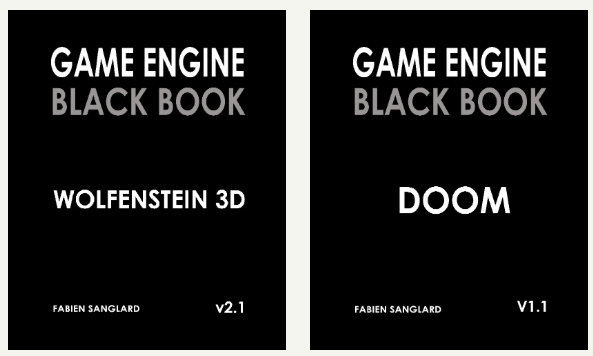
- Game Engine Black Book: Wolfenstein 3D and Game Engine Black Book: DOOM by Fabien Sanglard dive deep into the source code of these games, explaining the ingenious tricks that made them possible. These books are highly technical but incredibly inspiring, showcasing the brilliance of 1990s software development, where efficiency was paramount. Note - while reading the Wolfenstein book is not strictly required to understand the Doom follow-up, it still provides many fascinating insights on which the Doom engine built upon, so it is worth reading both books in order.
Can it run DOOM?
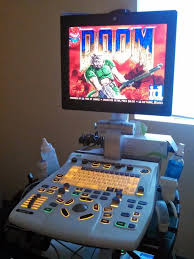
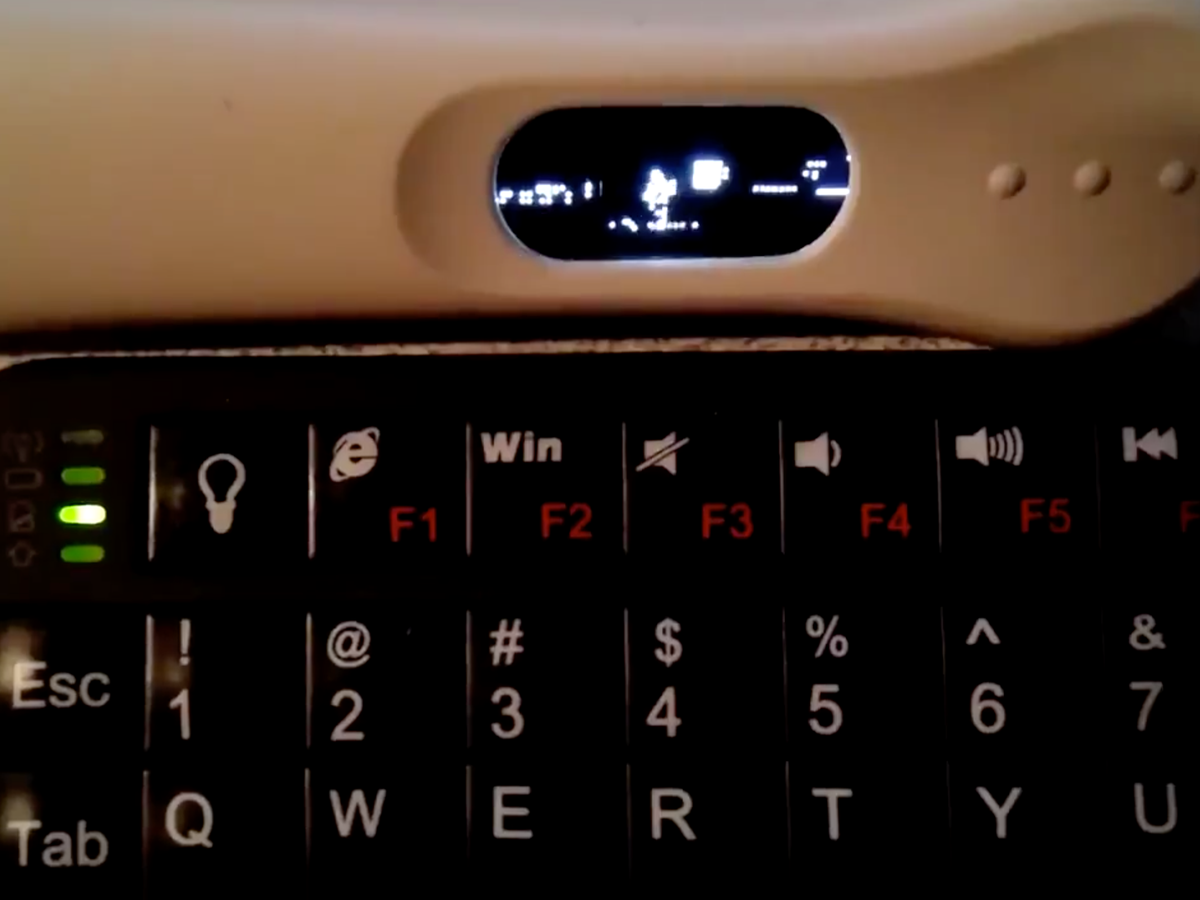
DOOM’s cultural impact extends far beyond gaming. It has become an internet meme to port the game onto virtually anything that resembles a computer. From office printers to ultrasound machines, watches, calculators, and even a pregnancy test - DOOM has run on them all!
There’s even a dedicated website cataloging these feats: CanItRunDoom.org!

UnoDoom Ancestry
UnoDoom owes its existence to a rich lineage of open-source projects. The original DOOM source code, available on GitHub, has been forked over 17,000 times at the time of writing!
In 2019, Nobuaki Tanaka started building Managed Doom a C# port of the DOOM source code, which is available on GitHub and still actively developed. Later, Nick Kovalsky forked Managed Doom to create Doom.Mobile, a .NET MAUI port.
Building on their incredible work, I forked Doom.Mobile to create UnoDoom.
Uno Platform ❤️ AI
Because the idea to create the port of DOOM to Uno Platform came to my mind very late in December, I knew that I needed to progress fast to be able to release this blogpost in time for my C# Advent entry. Luckily, Uno Platform provides the most productive ecosystem of tools to build cross-platform apps and it became so much better during the year of 2025!
First, we released Skia Rendering backend, which allows all targets to render the same pixel-perfect UI without compromises. In addition, we added SKCanvasElement, which is a control that provides a hardware accelerated Skia canvas to draw content. Because it is fully cross-platform, it is the ideal target for the rendering of UnoDoom.
Finally, in November we released Uno Platform Studio 2.0 with Uno Platform MCP and App MCP. These capabilities allow AI Agents to not only understand Uno Platform app development much better, but they can also actually start your application and interact with it by injecting pointer, and keyboard input, and even capturing screenshots - this way the agent is able to see verify its changes and iteratively refine them.
One Prompt to DOOM
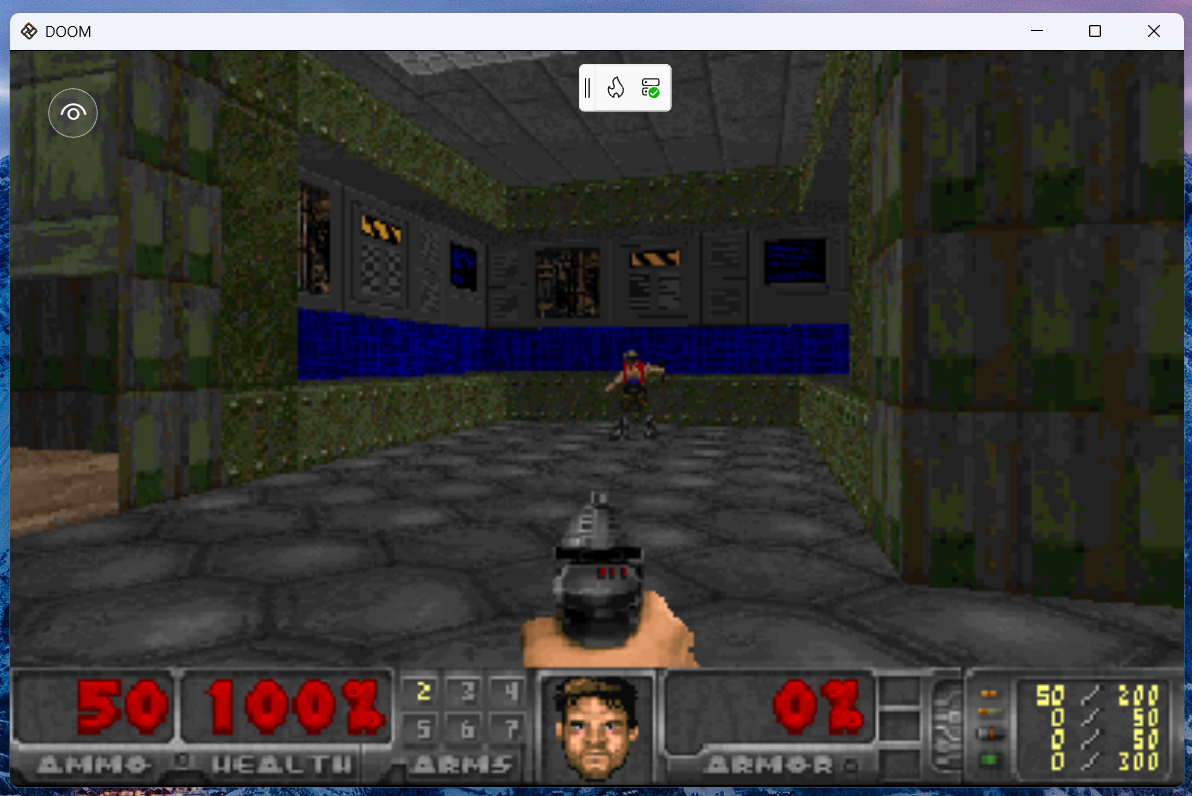
Starting with the Doom.Mobile repository, I fired up Visual Studio Code with GitHub Copilot, and prompted Claude Opus 4.5 to analyze the MAUI implementation and create an equivalent Uno Platform application with the help of Uno Platform MCP and App MCP. It took quite a bit of time, but the agent finally produced a working Uno Platform app that it launched on desktop and confirmed DOOM loaded up to its main menu! The resulting state can be seen in this commit.
The rendering portion of the resulting game uses SkCanvasElement and draws the rendered output from ManagedDoom onto a SKBitmap that is then output onto the canvas. Amazingly, the game was playable with keyboard input after just a single prompt!
WebAssembly, Android, and iOS
Next step was to validate whether the game runs on the other Uno Platform targets. Unfortunately, here we hit a problem. During game initialization, the game locates and loads the .wad file, that provides the game assets including graphics and levels. While this worked well on desktop, where file system access is not limited, it failed on other targets which can't access arbitrary file paths within the application package via a file path. Time to roll up the sleeves and dive into the code!
The repository comes with an open-source .wad file, which comes as a content file with the game. On non-desktop targets, we first need to read it from the application package files and copy it into local storage, where it is then normally accessible via a file path:
See the related commit here.
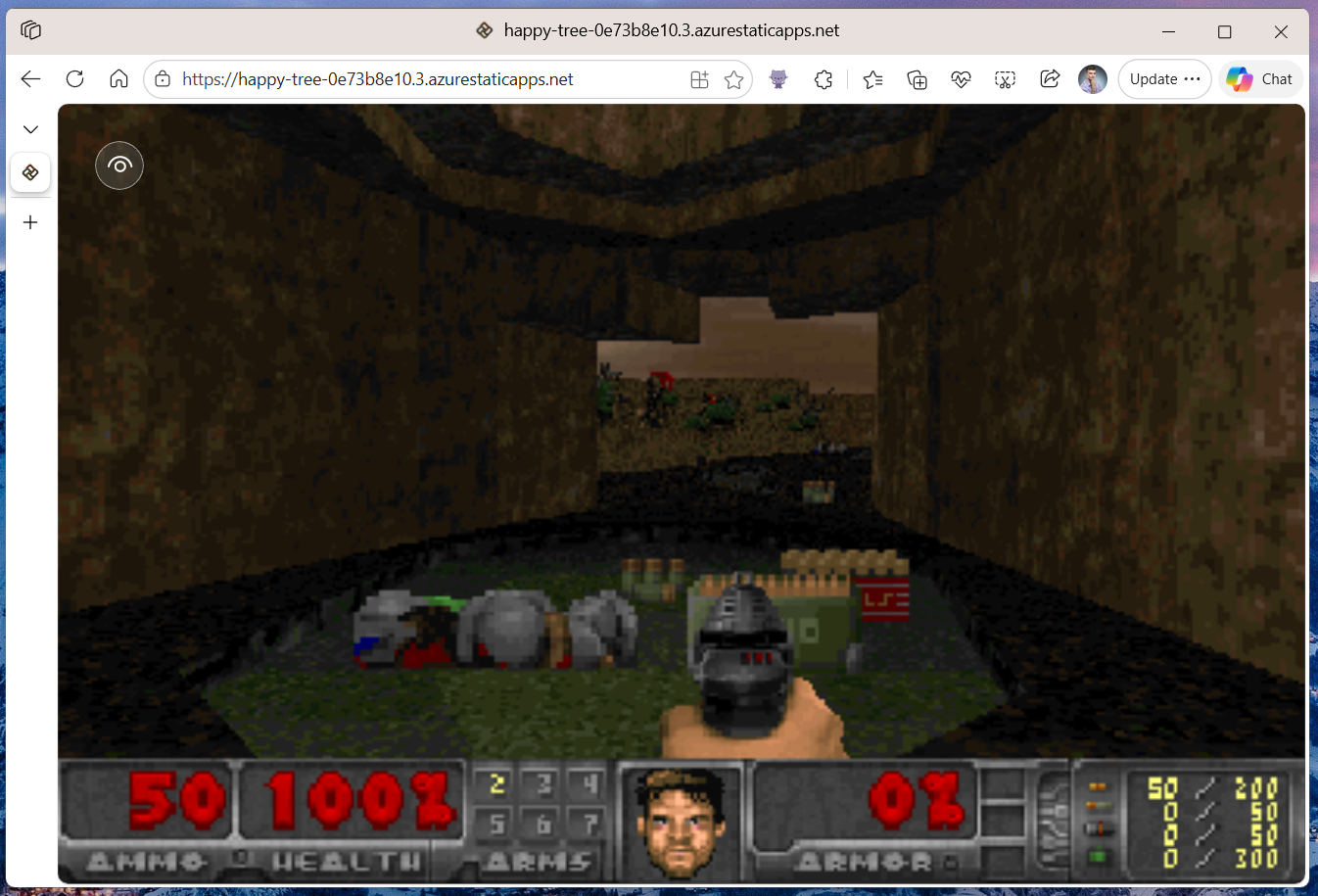
Now, UnoDoom runs even in the browser! Try it here!
Adding Touch Input
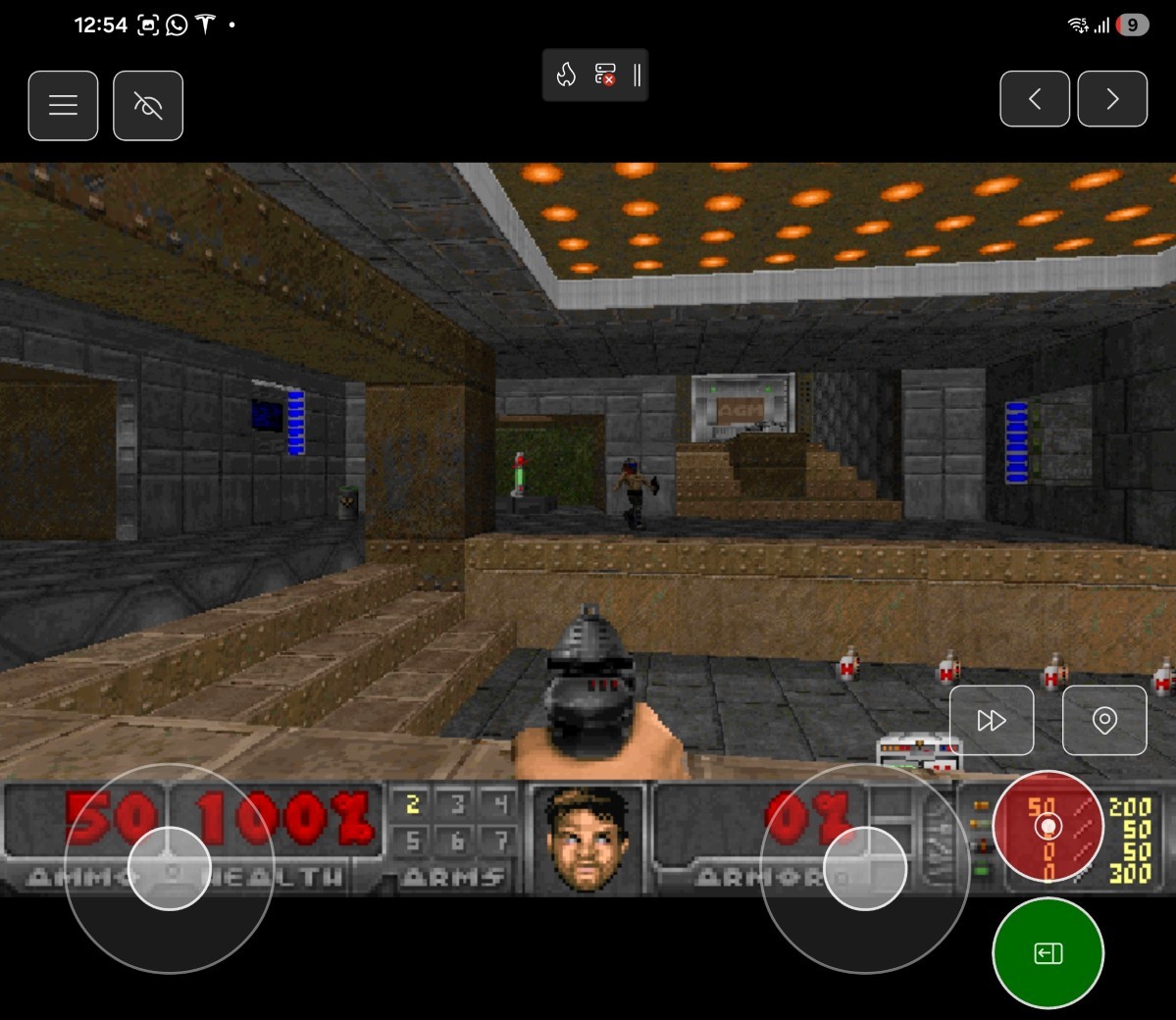
Playing the game on mobile devices which are not equipped with a physical keyboard is a bit problematic... So we need to add touch support!
First, I used the AI agent again to generate a suitable UI for touch inputs:
This user control handles pointer events in the code behind and checks for pointer positions to forward the input to Managed DOOM's input handling:
Especially the virtual joysticks handling is quite interesting, as it requires some sin/cos math. The agent originally didn't get these right so the movement was quite random, but in the end it was just a Pi/2 difference in both axes!
By overlying this XAML-based semi-transparent control on top of the game canvas, user is now able to control the game even on mobile devices!
Adding Support for Game Controllers
One of my favorite unexpected APIs in Uno Platform is definitely the cross-platform Gamepad API. With a few lines of C# code you can connect your Xbox or PlayStation controller and get real-time readings from it! Here is a short excerpt from the implementation:
For more info see the related commit.
Source code
The source code is available on my GitHub. Feel free to clone, fork, and contribute!
Try it out!
The WebAssembly version of UnoDoom is deployed as a Azure Static Web App and you can try it out here. It runs on PCs, phones, and even Teslas!

What's next
The current version of UnoDoom is still very rough. I will continue working on improving its performance, and adding missing features like sound and music. Stay tuned for more!